Category: Live Scan & Background Services

Fast, certified Live Scan fingerprinting and background check services for personal and business use.

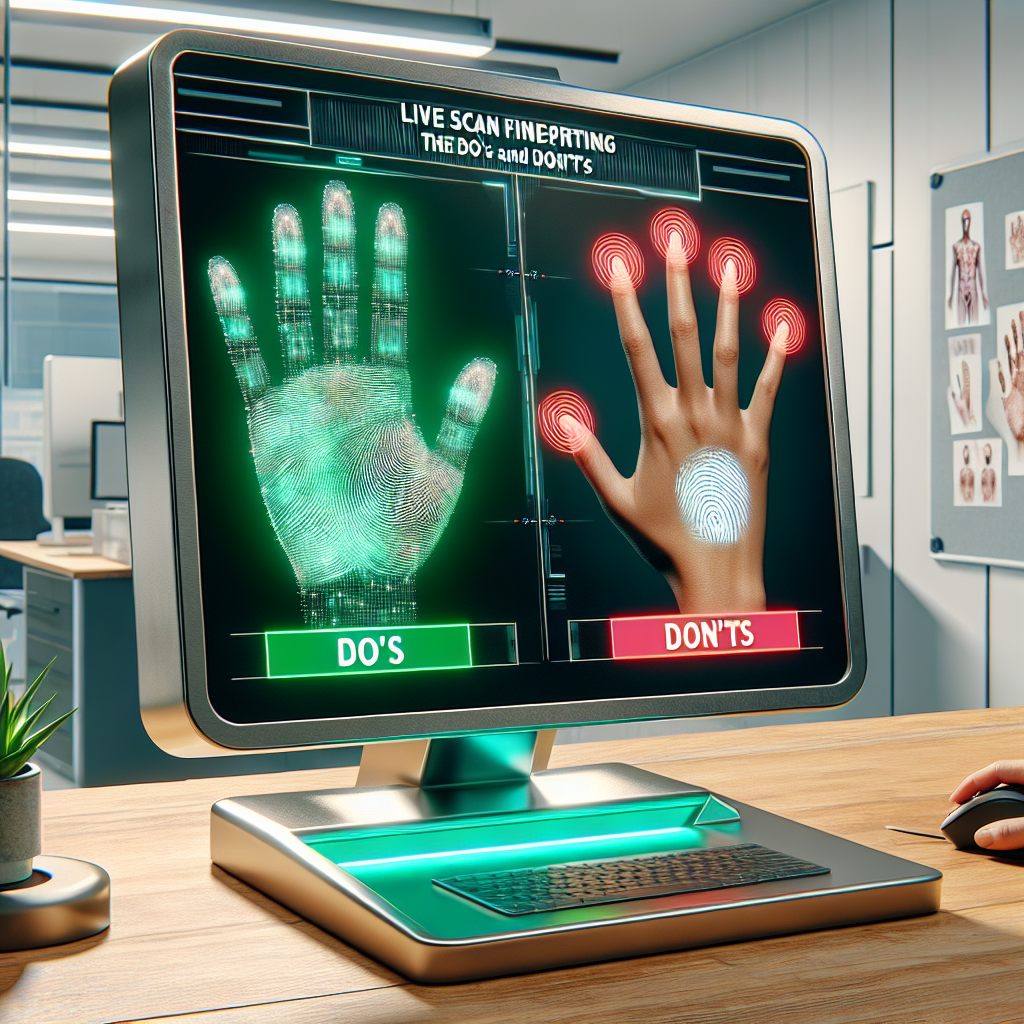
  • Live Scan Fingerprinting: The Do’s and Don’ts

    Live Scan Fingerprinting: The Do’s and Don’ts

    Live Scan Fingerprinting: The Do’s and Don’ts

    Live Scan Fingerprinting: The Do’s and Don’ts

    What is Live Scan Fingerprinting?

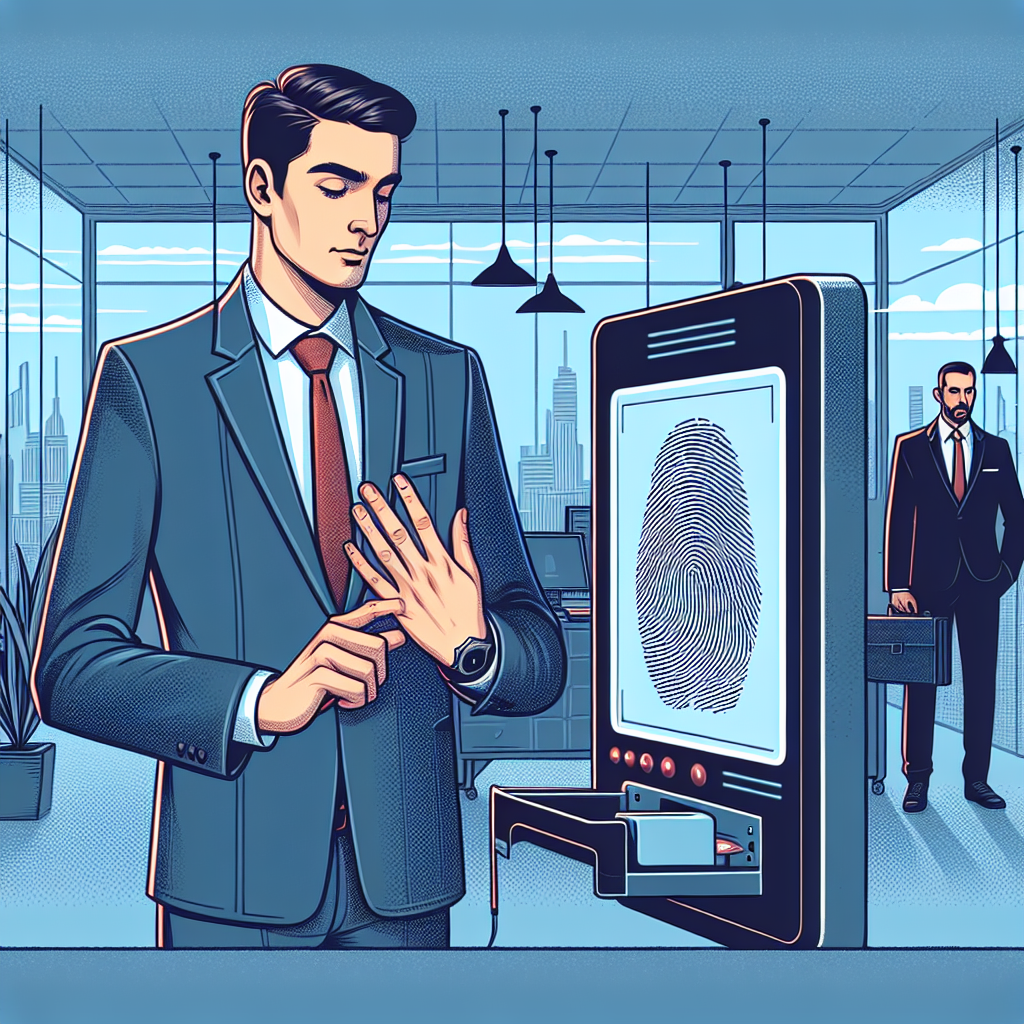
    Live scan fingerprinting is a newer way to take fingerprints. Instead of using messy ink and paper, live scan uses a computer to get fingerprints. This method is faster, more accurate, and better for the environment.

    The Do’s of Live Scan Fingerprinting

    1. Bring Your ID

    Before you go to your appointment, make sure you have your ID. You usually need a driver’s license or a passport. Your ID should be up-to-date to avoid any problems.

    2. Know What You Need

    Different places might ask for different things. Double-check with the organization that asked you for your fingerprints to see if they need anything special.

    3. Pick a Good Provider

    Find a company that is approved to do live scan fingerprinting. Look for one with good reviews and proper credentials.

    4. Make an Appointment

    It’s a good idea to book a time slot. This way, you don’t have to wait too long. Find a place that fits your schedule.

    5. Get Ready for Your Appointment

    Wear clothes that make it easy to take fingerprints. Short sleeves are best. Keep your fingers clean and dry.

    The Don’ts of Live Scan Fingerprinting

    1. Don’t Forget Your Paperwork

    Make sure you have all the papers you need. If you forget something, you might have to come back another day.

    2. Don’t Show Up Late

    Plan to be on time. Being late could mean you have to reschedule, and nobody likes that!

    3. Don’t Give Wrong Information

    Double-check everything you fill out. Make sure your name, dates, and numbers are right.

    4. Don’t Ignore Bad Results

    If your fingerprints aren’t good, you might have to do them again. Contact the provider to find out what went wrong. They usually let you try again without extra cost.

    Frequently Asked Questions

    • What if my fingerprints are rejected? Call your provider right away. They’ll help you fix it.
    • How long does it take to get results? It usually takes 2-3 days, but it might take longer if they’re busy.
    • Can I go to any live scan provider? You need to go to a provider approved by the organization that needs your fingerprints.
    • What if I’m not sure what I need? Ask the place that asked for your live scan. They will tell you what you need.
    • Is live scan fingerprinting safe? Yes, it is. It’s used by the government and big companies to check who you are.

    Conclusion

    Live scan fingerprinting is a great way to do background checks, but being prepared is key. Make sure you have the right paperwork, pick the right provider, and check your information carefully.

    Resources and Further Reading

    Call to Action

    We hope this guide helps you have a great experience with live scan fingerprinting. Share your stories or ask questions in the comments. If you need to get fingerprinted soon, reach out to your local provider to book an appointment. Alternatively, if you’re around San Diego, feel free to visit Tags Clinic at 3845 University Ave, or call us at 619-777-9046. You can also find more information about us on our website, tagsclinic.com.

  • How to Interpret Common Codes on Your Live Scan Report

    How to Interpret Common Codes on Your Live Scan Report

    Understanding Common Codes on Your Live Scan Report

    How to Understand Common Codes on Your Live Scan Report

    Introduction

    Understanding Live Scan reports can be very tricky, especially with all the strange codes they have. If you’re an employer checking backgrounds or someone making sure you’re following rules, knowing what these codes mean is really important. A Live Scan report is basically a background check using fingerprints that are often needed for jobs, licenses, or volunteer work. It’s key to know what these codes mean so you can make smart choices based on what’s in the report.

    What is a Live Scan Report?

    A Live Scan is an electronic way to check your fingerprints against criminal records found in local, state, and federal databases. This new system is better and faster than the old ink and paper method. You get your fingerprints scanned at a special place and they are sent to the Department of Justice (DOJ) and the Federal Bureau of Investigation (FBI) to check them. Organizations use the Live Scan report to see if someone can be hired or get certain licenses.

    Why Codes Matter

    The codes on a Live Scan report help you figure out what’s in it. These codes tell you what information is on the report and how it looks. Knowing what these codes mean can change what jobs or licenses you can get, so it’s important for everyone to understand them. If you get these codes wrong, it can lead to mistakes about someone’s background, which can cause big problems.

    Common Codes on a Live Scan Report

    A. Personal Identification Codes

    These are special codes for things like your Social Security Number (SSN) or Driver’s License Number (DLN). They help make sure the report is talking about the right person and avoid any mix-ups.

    B. Employment and Licensing Codes

    These codes are super important for employers and people giving out licenses because they show if someone is fit for a job or license. Employers use these codes to check that a person meets all the needs for a job or has the right past job checks.

    C. Criminal History Codes

    This is usually the part people look at the most since it shows any criminal records linked to a person. There are codes for different things like arrests, charges, and convictions. Knowing what each code means, like the difference between just an arrest and a conviction, is really important.

    D. Miscellaneous Codes

    These codes might have extra info like where someone has lived or other things that give more context to the report. They can help confirm where someone has lived over time or other stuff that might affect a job decision.

    How to Understand Specific Codes

    A. Understanding Code Categories

    Each group of codes shares specific information. By getting how these groups work, you can guess what info each code shares and what part of the report it relates to.

    B. Tools and Resources for Understanding

    There are lots of tools and places that can help you figure out these codes. Both people and employers should check out official resources like the DOJ’s website or talk to professionals to make sure they really understand and use the codes right.

    Common Misunderstandings and Clarifications

    People often make mistakes when reading their Live Scan report because they don’t know what some codes mean. A common mistake is thinking an arrest is the same as a conviction. By knowing what each part really means, you can avoid these mistakes.

    Dealing with Live Scan reports also means being careful with laws. These reports have sensitive information that’s protected by privacy laws. You need to know your rights on how your report can be used, shared, and kept, to keep your privacy safe.

    What to Do if You See Mistakes

    1. Look over the part with the mistake carefully.
    2. Get in touch with the right group for help, usually the one that asked for the Live Scan.
    3. Make a claim if needed, showing proof to back it up.
    4. Keep checking to make sure the error gets fixed quickly.

    Conclusion

    Knowing how to read a Live Scan report’s codes is a key skill that helps you make big decisions at work and in life. By learning these codes, using helpful resources, and knowing your legal rights, you can understand them right and protect your own interests.

    Additional Resources

    For more help, there are lots of guides and official resources online. Check the Department of Justice’s website for guides, talk to professionals for more help, or contact authorized Live Scan places if you need aid. Whether you’re checking for yourself or as an employer, there’s help to make it simpler and easier.

    Call to Action

    We know that all of this can be quite overwhelming. But don’t worry! We at Tags Clinic are here to help you get through this process with ease. Visit us at 3845 University Ave, San Diego, CA or give us a call at 619-777-9046. We aim to make the process as simple and straightforward as possible for you.

    Locate Us:

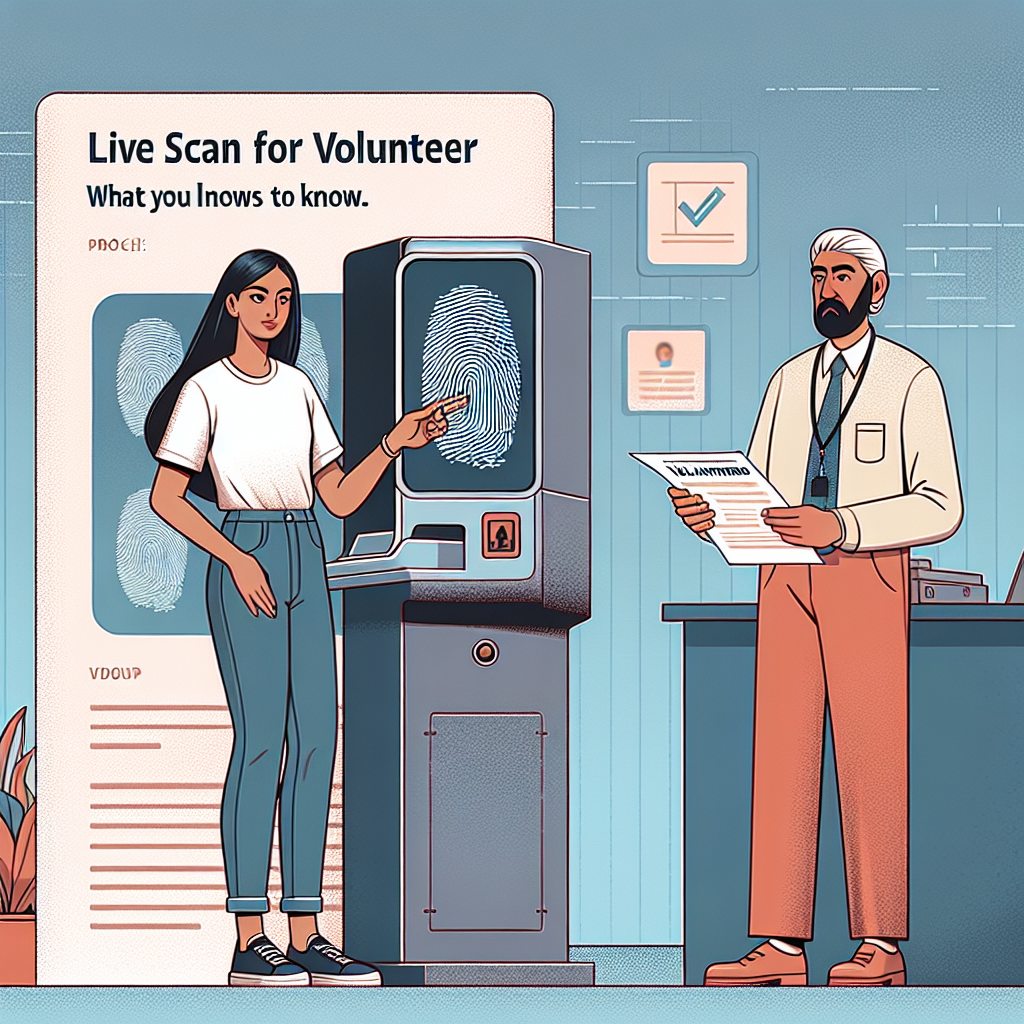
  • Live Scan for Volunteer Positions: What You Need to Know

    Live Scan for Volunteer Positions: What You Need to Know


    Live Scan for Volunteer Positions: What You Need to Know

    Live Scan for Volunteer Positions: What You Need to Know

    I. Introduction

    Volunteering is a great way to help out and make a difference in your community. But it’s important to make sure everyone stays safe. That’s where Live Scan fingerprinting comes in. This blog will tell you what Live Scan is, why it’s important for volunteers, and what you need to know about it.

    II. What is Live Scan?

    Live Scan is a modern way to take fingerprints. It uses technology to send fingerprint images to the California Department of Justice (DOJ) quickly. Unlike the old method with ink and paper, Live Scan is more accurate. This means that background checks can be done faster and in a better way, which is important for volunteer groups to keep everyone safe.

    III. Why Live Scan is Important for Volunteers

    Live Scan fingerprinting is really important for several reasons:

    • Safety and Trust: Volunteer groups need to make sure it’s safe for everyone. Live Scan helps check that volunteers don’t have any past problems that could be dangerous.
    • Helping Vulnerable People: Many volunteers work with children or older adults. Background checks help make sure that these volunteers are a good fit for their roles.
    • Following Rules: Non-profit groups must follow certain rules. Live Scan helps them meet these rules so they can keep their licenses.

    IV. How the Live Scan Process Works

    Knowing how Live Scan works can help you get ready for it:

    1. Find a Place: Look for a Live Scan provider nearby. Lots of places like police stations and community centers offer this service.
    2. Get Your Fingerprints Taken: At your visit, someone will use a machine to take your fingerprints. It’s quick and only takes a few minutes.
    3. Get the Results: Your fingerprints go to the DOJ, and maybe the FBI too. You should get results in about 72 hours, but sometimes it might take longer.

    V. What You Need for Live Scan Fingerprinting

    Before your Live Scan appointment, make sure you have these things:

    • An ID: Bring a government ID like a driver’s license or passport.
    • Information about the Volunteer Group: You might need some forms or details from the group you’re volunteering with.
    • Fees: There’s a fee for Live Scan, and the price can change depending on where you go. Check if your volunteer group will pay it for you.
    • Appointments: Some places need you to make an appointment. It’s smart to call ahead and make sure you have a spot.

    VI. Privacy and Security Concerns

    It’s okay to wonder about privacy with Live Scan. Here’s how they keep your information safe:

    • Keeping It Safe: Fingerprints and personal info are sent safely and stored following DOJ rules.
    • Who Can See It: Only certain people involved in the process can see your info. Your results are private and sent only to your volunteer group.

    VII. Questions People Often Have

    • What If There’s a Delay?: Sometimes there are delays. If it’s taking too long, check with the Live Scan place or your volunteer group.
    • What If My Fingerprints Are Rejected?: If there’s a problem with your fingerprint images, you might have to do it again. They will let you know if this happens.

    VIII. Conclusion

    Live Scan is an important part of volunteering to make sure everyone is safe and follows the rules. As a volunteer, doing Live Scan shows that you care and are ready to help. Don’t wait—start your Live Scan process and make a difference today!

    IX. Additional Resources

    If you have more questions about Live Scan or need help with volunteering, feel free to reach out to us or your chosen organization. Join the team of volunteers making a big difference while keeping things safe and trustworthy.

    Call to Action

    Ready to get started? Visit us at Tags Clinic, located at 3845 University Ave, San Diego, CA, or give us a call at 619-777-9046. We’re here to assist and guide you in any way we can!

    For more information and helpful resources, make sure to visit our website: https://tagsclinic.com

    Location Map


  • How to Reschedule Your Live Scan Appointment with Ease

    How to Reschedule Your Live Scan Appointment with Ease


    How to Reschedule Your Live Scan Appointment Easily


    How to Reschedule Your Live Scan Appointment Easily

    Introduction

    If you live in California and need fingerprints for a job or a background check, you’ve probably heard of Live Scan. Live Scan is a digital fingerprinting service often needed by jobs, government offices, or licensing boards. It’s super important because it helps make sure everything is legal and professional.

    Sometimes, things happen, and you might need to change your Live Scan appointment. It can be because of a sudden schedule change, an emergency, or simply forgetting. Changing your appointment might sound tricky, but it’s easier than you think. Let’s learn how to reschedule your Live Scan appointment easily.

    How to Reschedule Your Live Scan Appointment

    Step 1: Check the Rescheduling Policy

    First, find out what the rules are for changing your appointment with the people who provide the service. Each place may have different rules, like how soon you need to reschedule to avoid extra charges. If you made your appointment online, you might find these details in your confirmation email or on the service provider’s website.

    Step 2: Gather Important Information

    Gather all the information you need to reschedule. This includes your appointment confirmation number, ID details, and any other useful information. Also, have your calendar ready so you can quickly pick a new date and time that works for you.

    Step 3: Contact the Service Provider

    Now it’s time to reach out to your service provider to reschedule. You can usually do this in a few ways:

    • Phone: Calling is fast and lets you confirm new times right away.
    • Email: This is good if you can’t call, but it might take longer to get an answer.
    • Online Portals: Some places let you change appointments online. This is often the easiest way because you can see what’s available right away.

    Pick the method that works best for you.

    Step 4: Choose a New Appointment Date

    When choosing a new date, think about how quickly you need the fingerprints done. If it’s urgent, pick the earliest spot available, even if it’s not the most convenient. Try to balance your schedule with how fast you need the appointment done to avoid more delays.

    Step 5: Confirm the Change

    After changing your appointment, make sure you get a confirmation. This might be an email, text, or printed piece of paper. Keep it safe until your appointment happens because it’s proof of when your new appointment is.

    Challenges and Solutions

    Sometimes rescheduling can be tricky:

    • Technical Issues: If the online portal doesn’t work, try refreshing your browser or using a different one. You can also ask customer service for help.
    • Not Many New Appointment Times: If you can’t find new times, ask if there’s a waiting list or if you can be notified when slots open.
    • Missing the New Appointment: If you miss it again, contact the provider quickly to reschedule. Try to figure out why you missed it to stop it from happening again.

    Tips for a Smooth Live Scan Experience

    • Arrive Early: Give yourself time to get ready before your appointment.
    • Bring Documents: Have all your ID ready.
    • Know the Process: Being familiar helps you stay calm and follow any special rules.

    FAQs

    • Can I reschedule more than once?
      Yes, but check if there are limits or extra charges for how many times you can change.
    • Is there a fee for rescheduling?
      Some places might charge a small fee, especially for last-minute changes. Check the rescheduling policy.
    • What if I lose my confirmation?
      Ask the provider to send it again or double-check the details.

    Conclusion

    Changing your Live Scan appointment doesn’t have to be hard. By following these steps and being ready, you can make the process easy. Don’t wait to make the changes needed, so your personal or work plans aren’t messed up. If you need help, you can reach out to Tags Clinic, a trusted DMV alternative in San Diego.

    Call to Action

    If you want to make DMV tasks simpler, contact Tags Clinic today. Share your thoughts or ask questions in the comments below. Visit, call, or book your service now for a no-stress experience. You can find them at 3845 University Ave, San Diego, CA or you can give them a call on 619-777-9046. Don’t wait any longer! Let’s make your DMV tasks simpler together!


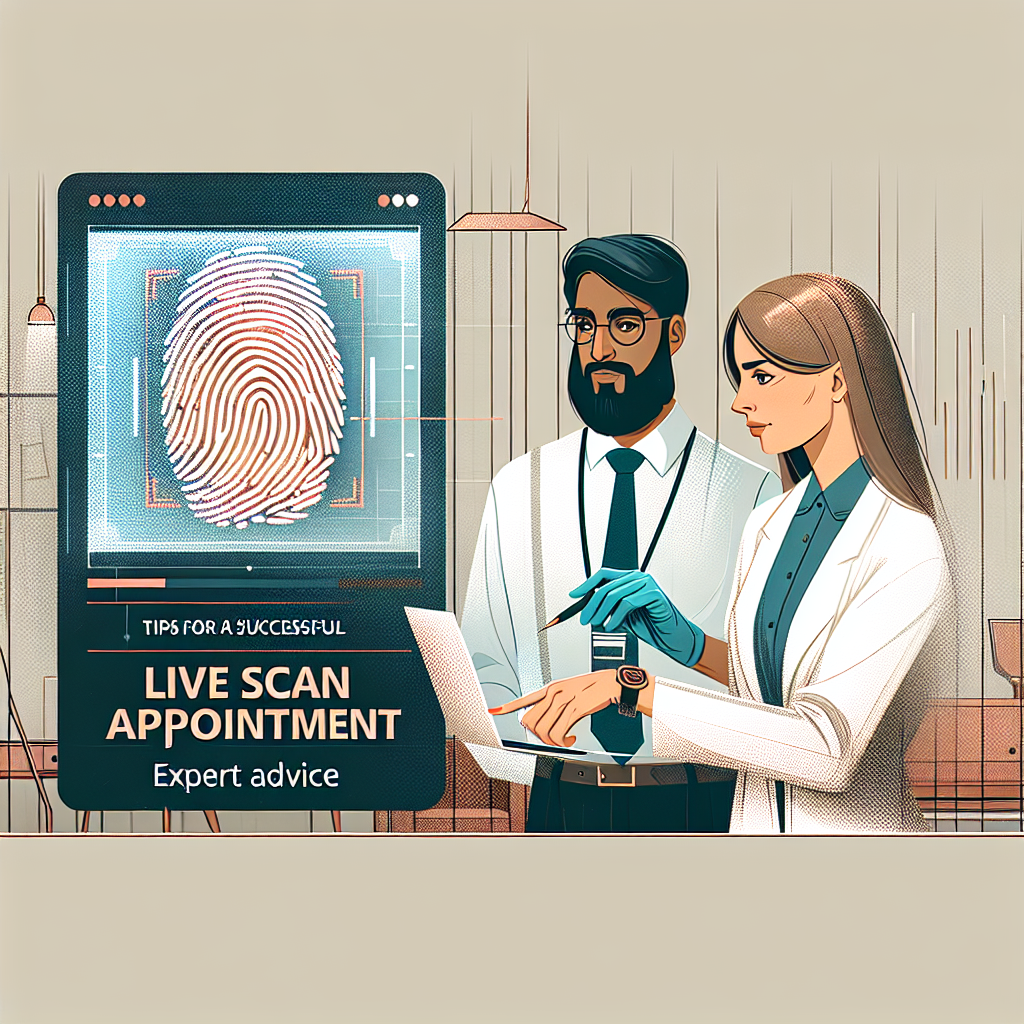
  • Tips for a Successful Live Scan Appointment: Expert Advice

    Tips for a Successful Live Scan Appointment: Expert Advice


    Tips for a Successful Live Scan Appointment: Expert Advice

    Tips for a Successful Live Scan Appointment: Expert Advice

    Introduction

    Today, having secure and correct ways to prove who you are is very important. Live Scan is a modern method that captures fingerprints electronically. It’s faster and more reliable than older methods. If you are applying for a job, a license, or volunteering, you might need a Live Scan appointment. Being well-prepared is key to making this experience as smooth as possible.

    Understanding Live Scan

    Live Scan fingerprinting takes fingerprints and sends them electronically to the right authorities quickly and reliably.

    Common Reasons for a Live Scan Appointment

    1. Employment & Licensing: Many jobs and licenses require a background check.
    2. Volunteering: If you’re working with kids or sensitive information, a Live Scan is often needed.
    3. Personal Identification: Some groups need to confirm your identity for sure.

    Live Scan vs. Traditional Fingerprinting

    Old-fashioned fingerprinting uses ink and paper, which can be messy and full of mistakes. Live Scan is digital, fast, and accurate, making fewer mistakes and speeding up the process.

    Pre-Appointment Preparation

    Gather Necessary Documentation

    Before your appointment, make sure you have:

    • A valid photo ID, like a driver’s license or passport.
    • The specific Live Scan request form for your needs (like a job or license form). Double-check for mistakes.
    • Any other documents the group requesting your Live Scan needs.

    Schedule Your Appointment in Advance

    • Early Booking: Book your appointment well before your deadline for your preferred time.
    • Location Convenience: Choose a location near home or work. Confirm their hours to avoid problems.

    Payment Methods and Costs

    Find out how much the service costs and what payment they accept. Sometimes, your employer or organization might pay, so ask them.

    What to Expect During Your Appointment

    Arrival and Check-in Process

    Arrive 10-15 minutes early. Check in when you arrive to confirm your appointment. Know who to ask for help if you have questions.

    Fingerprinting Procedure

    Here’s what will happen:

    1. The technician checks your ID and documents.
    2. Your fingerprints are taken electronically, one finger at a time.
    3. If your fingerprints are hard to capture, special care will be taken. Relax and keep your hands dry for the best results.

    Post-Appointment Steps

    Confirmation and Documentation

    After the Live Scan, get proof of completion or a receipt. Check all documents for mistakes. Fix any problems right away with the technician.

    Follow-Up

    Find out when the results will be processed and sent. Keep the contact info of the facility if you need to check your Live Scan status later.

    Expert Tips for a Smooth Live Scan Experience

    1. Dress Comfortably: Wear clothes that don’t restrict your movements.
    2. Stay Relaxed: Being calm helps get clear fingerprints.
    3. Assistance for Special Needs: If you need help, let the facility know in advance so they can prepare.

    Conclusion

    By preparing properly, scheduling ahead, and knowing what to expect, your Live Scan appointment can be stress-free and successful. A good approach ensures a seamless process and accurate results, supporting your professional and personal plans.

    Additional Resources

    For more info, check out these resources:

    Call to Action

    Have questions or need more help? Contact us or visit your nearest Live Scan location. Being prepared makes all the difference in having a successful Live Scan experience.

    We invite you to visit Tags Clinic at 3845 University Ave, San Diego, CA or call 619-777-9046. For more information about our services, please visit our website.

    We’re here to provide the support you need for a smooth and successful Live Scan experience.


  • How Live Scan Fingerprinting Can Help You Secure a Job

    How Live Scan Fingerprinting Can Help You Secure a Job

    “`html


    Blog Post

    How Live Scan Fingerprinting Can Help You Secure a Job

    Introduction

    Finding a job can be tough these days, and standing out is really important. One way to do this is by making sure all your job checks are done smoothly. Live Scan fingerprinting is one of the ways to check your background and make sure you’re trustworthy. It’s becoming more important in lots of jobs.

    Live Scan fingerprinting isn’t just a step you have to do; it’s a better, safer way for bosses to do background checks and for people looking for jobs to seem more reliable.

    What is Live Scan Fingerprinting?

    Live Scan fingerprinting is a way to take your fingerprints and send them to state and federal places to check your background. Unlike old ways that used ink and could be messy, Live Scan uses computers, which makes it more accurate. You put your fingerprints on a machine that sends them to places like the Department of Justice or the FBI to check your background.

    Why Employers Require Live Scan Fingerprinting

    1. Ensuring Employee Trustworthiness: Live Scan fingerprinting helps employers check who you are and if you have a criminal record. This helps them hire people they can trust.
    2. Compliance with Legal and Industry Regulations: Some jobs require background checks by law. Live Scan fingerprinting makes sure they follow these rules.
    3. Protecting Company Interests and Customer Safety: Employers use background checks to protect their company and make their workplace safe for everyone.

    Industries Where Live Scan Fingerprinting is Common

    • Healthcare: In the healthcare world, protecting patients is important. With Live Scan, they make sure medical workers have a clean background.
    • Education: Schools need to be safe for kids and teenagers. They use Live Scan to check on teachers and other school workers.
    • Financial Services: Jobs like these need people who are trustworthy because they deal with money. Live Scan helps ensure they’re the right people for the job.
    • Government Positions: Government jobs need a lot of trust. Live Scan fingerprinting is a part of applying for these jobs.

    Benefits of Live Scan Fingerprinting for Job Seekers

    • Demonstrating Transparency and Reliability: Doing Live Scan fingerprinting shows that you are honest about your past and a reliable job candidate.
    • Expediting the Hiring Process: Having it done means employers can check your background faster and make a decision sooner.
    • Pre-employment Confidence: Knowing you pass the necessary checks can make you feel more confident about getting the job you want.

    How to Get Your Live Scan Fingerprinting Done

    1. Finding a Certified Live Scan Location: Look for places that offer Live Scan, like police stations or special centers.
    2. What to Bring: You need to bring a photo ID and a form from the job you’re applying for that says you need Live Scan.
    3. Understanding the Costs: Check how much it costs and see if the job you want will pay for it.

    Preparing for Your Live Scan Appointment

    • Tips for Ensuring Prints are Clear: Make sure your hands are clean and dry, and don’t use lotions. This helps get clear fingerprints.
    • What to Expect During the Appointment: It only takes about 10-15 minutes. You’ll need to show your ID and pay for the service.
    • Timeframe for Results: You’ll usually get the results in a few days, so you can keep going with your job application.

    Common Concerns and Myths About Live Scan Fingerprinting

    • Privacy Implications and Data Security: Live Scan is safe, and your personal info is protected and only used to check your background.
    • Myth-Busting: Some people think Live Scan can hurt your credit score or check more info than needed. This isn’t true; it only looks at criminal backgrounds.

    Conclusion

    Live Scan fingerprinting helps you in your job search by showing you are trustworthy. Understanding and going through this process helps get you noticed for jobs you really want.

    Call to Action

    Did you do your Live Scan fingerprinting yet? Share your thoughts in the comments and join other people looking for jobs. If you haven’t, find a certified Live Scan place and schedule your appointment today to improve your chances of getting a job. You can also learn more about Live Scan and how it helps by checking our resources section!

    We’re located at Tags Clinic, 3845 University Ave, San Diego, CA. Don’t hesitate to drop by or give us a call at 619-777-9046.


    “`

  • Live Scan and Your Privacy: What California Law Says

    Live Scan and Your Privacy: What California Law Says


    Blog Post

    Live Scan and Your Privacy: What California Law Says

    Introduction

    Nowadays, keeping your personal information private is super important. With so many things collecting your data, you need to know your rights. One of these things is called Live Scan. It’s used a lot in California. In this blog post, we’ll talk about what Live Scan is, how it affects your privacy, and how California law protects your data.

    What is Live Scan?

    Live Scan is a way to take fingerprints and send them to the California Department of Justice (DOJ). It’s usually done for background checks to make sure people meet the requirements for jobs, licenses, or certifications.

    Types of Information Collected

    When you do a Live Scan, they collect:

    • Your full name and any other names you use
    • Your birth date
    • Your gender and ethnicity
    • Your social security number
    • Your fingerprints

    Common Jobs and Needs

    In California, many jobs require a Live Scan, like:

    • Healthcare workers
    • Teachers and school workers
    • Childcare providers
    • Security guards
    • Volunteers who work with kids or vulnerable groups

    It’s important to understand why a Live Scan is needed for these jobs and how your information is kept safe.

    California cares a lot about privacy, and there are laws about how Live Scan information is used and managed.

    Role of the California Department of Justice

    The California DOJ manages Live Scans by looking over the fingerprints they collect. They keep your data safe and use it only for the right reasons.

    Key Laws and Regulations

    Important laws include:

    • Information Practices Act:This law tells how personal information should be collected and shared to protect privacy.
    • California Penal Code Sections 11105-11105.05:These sections say how criminal record information can be used and who can see it.

    Knowing these laws helps you make sure your rights are respected during the Live Scan process.

    Privacy Protections under California Law

    California has strong protections for people who do Live Scans.

    Rights of Individuals

    When you do a Live Scan, California law makes sure:

    • Your information is used only for the reason it was collected.
    • There are strict rules on who can see and share your information.
    • You can ask for a copy of your criminal history to check for mistakes.

    Handling of Personal Information

    The law says Live Scan data must be handled safely, and sharing it without permission is not allowed.

    Penalties for Misuse

    If someone breaks the privacy rules, there can be big punishments, like fines and penalties for companies or people who break the law.

    How Live Scan Information is Used

    Live Scan results help decide if people are right for certain jobs. Employers, license boards, and agencies use this information to:

    • Check criminal backgrounds of job seekers
    • Meet rules for giving licenses
    • Make smart choices about hiring or certifications

    Balancing Public Safety with Privacy

    While Live Scans help keep people safe, they need to respect privacy laws carefully.

    Challenges and Considerations

    Even with good laws, there are still challenges and misunderstandings about Live Scan and privacy.

    Privacy Concerns

    Some people worry about their data being collected and stored. Being clear about how data is used can help reduce these worries.

    Safeguarding Personal Information

    To keep your data safe:

    1. Make sure the Live Scan provider is legit.
    2. Know why you’re doing the Live Scan for your job.
    3. Keep a copy of your submission and results.

    Suspected Breaches

    If you think your privacy was violated, it’s important to contact legal help or the right authorities quickly.

    Recent Changes and Developments

    Laws can change, and new updates focus on improving data security. Keeping up with these changes helps protect your rights.

    Conclusion

    Knowing your privacy rights during the Live Scan is very important. California law has strong rules to keep your information safe. By learning about these, you can protect your data and handle any problems confidently.

    Additional Resources

    If you want to learn more or need help:

    By knowing more, you can handle Live Scans easily and keep your personal information safe.

    Call to Action

    Put your trust in us! Visit Tags Clinic at 3845 University Ave, San Diego, CA for your Live Scan needs – privacy guaranteed. Need to inquire first? Don’t hesitate to call us at 619-777-9046. Learn more about our services at https://tagsclinic.com. We do care about your privacy as much as you do. Let’s keep everyone’s data secure together!


  • How to Fix a Rejected Live Scan Application Quickly

    How to Fix a Rejected Live Scan Application Quickly


    How to Quickly Fix a Rejected Live Scan Application

    How to Quickly Fix a Rejected Live Scan Application

    Introduction

    The Live Scan application is an important step for people needing background checks for jobs, licenses, or volunteering. It’s a digital fingerprinting system used for security checks. Getting a rejection for your Live Scan application can be annoying and mess up your plans. Knowing why applications are rejected and fixing them fast is key to avoiding more delays.

    Finding Out Why It Was Rejected

    The first thing to do when your Live Scan application is rejected is to figure out why. The rejection notice usually says why it was turned down. Common reasons include:

    • Wrong or Missing Personal Info: Mistakes with your name, birth date, or other details.
    • Bad Quality Fingerprints: Blurry or smudged fingerprints can get rejected.
    • Payment Problems: Unprocessed payments or wrong amounts.

    Knowing why it was rejected will help you fix the right problem.

    What to Do Right After Rejection

    Once you know why it was rejected, here’s what to do:

    1. Contact the Right People: Talk to the agency that sent the rejection to understand more.
    2. Check Your Info: Look over your application to make sure all your info is correct and complete.
    3. Verify Payments: Make sure your payment went through and the right fees were paid.

    Fixing Personal Information Errors

    If the rejection is because of wrong personal info:

    • Update Your Info: Get in touch with the right office to fix your details.
    • Proof: Be ready to show ID documents to prove your updated info.

    Fixing Fingerprint Quality Problems

    Bad fingerprint quality is a common issue. Here’s how to get better prints:

    • Get Ready: Keep your fingers clean and dry, free of lotion, on the fingerprinting day.
    • Find Experienced Technicians: Go to a Live Scan place with skilled technicians for clear prints.
    • Retake Your Prints: Book a new appointment to redo your fingerprints at an approved location.

    Solving Payment Issues

    For payments that cause rejections:

    • Check Transactions: Look at your bank statements to see if the payment went through.
    • Keep Payment Receipts: Make sure you have a receipt confirming the payment was accepted.
    • Talk to Your Bank: If needed, ask your bank to look into any payment problems.

    Re-submitting Your Application

    Before sending your application again, make sure it’s perfect by using this checklist:

    • Double-Check Everything: Look for any mistakes in your personal and payment information.
    • Follow Instructions: Carefully read and follow all guidelines when filling out your application.
    • Have All Documents: Make sure you have all the needed documents for easy re-submission.
    • Record All Communication: Keep copies of emails and receipts related to the application.

    Tips to Avoid Future Rejections

    Avoid getting rejected in the future with these tips:

    • Careful Checking: Go over your application and payment info thoroughly before sending it.
    • Pick Good Service Providers: Choose trustworthy Live Scan service places with experienced staff.
    • Ensure Good Prints: Use preparation tips to get clear fingerprint quality.

    Conclusion

    To quickly fix your Live Scan application rejections, you need to find out the cause, take immediate steps to fix it, and prevent mistakes next time. Acting fast is important to avoid further delays. If you need help, get in touch with Tags Clinic or others who know Live Scan services well.

    Call to Action

    Need help with your Live Scan application? Visit Tags Clinic for expert help and make sure your process goes smoothly. Book an appointment today or reach out for personal support. Share this post to help others avoid the hassle of rejected applications!

    Visit us at 3845 University Ave, San Diego, CA or call us on 619-777-9046.


  • The History and Evolution of Live Scan Technology in California

    The History and Evolution of Live Scan Technology in California


    The History and Evolution of Live Scan Technology in California

    The History and Evolution of Live Scan Technology in California

    Introduction

    Live Scan technology is a big step forward in how we check people’s identities and keep things secure. It’s a digital way
    of taking fingerprints without any messy ink. Live Scan is used a lot for background checks and making sure people are who
    they say they are. California has been really important in making this technology popular and staying ahead in keeping
    things safe.

    The Beginning of Live Scan Technology

    Live Scan started because the old way of using ink to take fingerprints was slow and could easily go wrong. It was first
    made to help police collect and check fingerprints faster and more accurately. California, with its focus on new
    technology, was a great place for Live Scan to start and grow into a leader in identifying people by their
    fingerprints.

    Early Years: Using Live Scan in California

    California was one of the first places to start using Live Scan. They brought it in during the 1990s. At first, there
    were some problems, like the cost and needing new technology to make it work with other systems. But because it helped
    make things more accurate and faster, many government and private businesses began to use it.

    Improvements in Live Scan Technology

    Live Scan has gotten much better since it started. Moving from ink fingerprinting to digital was a big change, fixing
    problems with accuracy and speed. Over the years, the machines and software have become faster and more reliable, making
    Live Scan a popular choice for collecting fingerprint data. These improvements have made it possible to use Live Scan in
    even more places and ways.

    Laws That Affected Live Scan

    The laws in California have helped shape how Live Scan is used. Some laws say that Live Scan must be used in certain
    situations to make sure fingerprinting is done the right way. National laws also affect how California uses this
    technology, pushing for better tools and new ways to use Live Scan.

    More Ways to Use Live Scan

    Live Scan started for finding criminals, but it’s now used for many other things because it’s so reliable and useful.
    Today, it helps with job background checks, getting licenses, and other security areas. In schools, it checks teachers’
    backgrounds, and in healthcare, it helps with licensing workers. These uses show how handy Live Scan is and how it’s a
    must-have in today’s world.

    Problems and Issues

    Even though Live Scan is great, there are some problems too. A big worry is keeping people’s fingerprint data private and
    safe from being stolen. There are also challenges with keeping the technology secure from hackers. But new ways to
    protect and handle this data are being made, helping Live Scan to stay safe and useful.

    What’s Next for Live Scan in California

    As technology keeps getting better, Live Scan in California looks like it will keep growing. New trends suggest that even
    better and more high-tech solutions will be available, making things faster, more accurate, and more secure. California
    will likely keep leading the way with new ideas and ways to use Live Scan, using its tech background and innovation to
    advance identity checks.

    Conclusion

    The story of Live Scan in California is one of growth and new ideas. From starting as a better way to take fingerprints
    to being a key part of identity checks today, Live Scan has changed how we handle security. California’s influence on
    making this technology what it is today is significant, helping to set the stage not just in the U.S. but worldwide. Live
    Scan technology is essential, as it keeps impacting how we check and secure identities.

    Extra Info

    To learn more about Live Scan technology, check out these resources:

    Contact California agencies involved with Live Scan for more detailed information or explore government publications for a
    deeper dive into this important technology.

    Call to Action

    Ready to see how Live Scan can simplify your life? Consider paying a visit to Tags Clinic at 3845 University Ave, San Diego, CA or call us at 619-777-9046. For more information about our clinic, you can visit our website at https://tagsclinic.com. We look forward to helping you navigate your Live Scan needs!


  • Top 5 Benefits of Using Live Scan for Licensing Applications

    Top 5 Benefits of Using Live Scan for Licensing Applications


    Top 5 Benefits of Using Live Scan for Licensing Applications

    Top 5 Benefits of Using Live Scan for Licensing Applications

    Introduction

    Today, we live in a fast and tech-oriented world where things need to be done quickly and safely. Live Scan technology, a cool new way of doing fingerprinting, is changing how we get licenses. Unlike old methods, this electronic way is much better and is becoming super popular. In this article, we’ll learn about the top 5 reasons why using Live Scan for applying licenses is so great and why everyone seems to be using it now.

    Benefits

    1. Better Accuracy

    Live Scan is really good at getting accurate fingerprints. The old way used ink and paper, which could get messy with ink smudges and mistakes. With Live Scan, everything is digital, so there are fewer mistakes. This accuracy ensures your licensing process goes smoothly and without delays due to errors.

    2. Quicker Processing Times

    Time matters a lot when applying for licenses, and Live Scan gets the job done fast. The old way of fingerprinting could take weeks because they had to manually check the prints, but Live Scan sends fingerprints directly to the necessary places electronically. This means you can get your results in just a few days, speeding up the approval process.

    3. Better Security

    Keeping your personal information safe is crucial, and Live Scan does a great job of this. When fingerprints are captured electronically, they are securely stored and sent, making it hard for anyone to tamper with them. Also, digital records are difficult to change or fake compared to paper ones, adding an extra layer of protection.

    4. Easy and Convenient

    Gone are the days of taking trips to special places for fingerprinting. Live Scan is super convenient, with lots of places offering this service. It’s quick and easy, taking just minutes to complete. Some even offer mobile services, bringing the technology right to you, which is perfect for busy people.

    5. Cost-Savings

    Cost is important when applying for licenses, and Live Scan can save you money. The first fee might be similar to old methods, but because it’s accurate and fast, you’re less likely to need re-doing, saving both time and money. Also, many offer deals for larger groups or special discounts, making it even more budget-friendly.

    Conclusion

    Live Scan is making getting licenses much better with its accuracy, speed, security, ease, and cost-effectiveness. By choosing Live Scan, people can have a smoother, faster, and safer way to get their licenses, which is super helpful in today’s tech world. If you’re getting a license, try Live Scan to make your experience easier and more hassle-free!

    Additional Resources

    For more information on Live Scan, you can visit government or other approved provider sites. You can easily find contact details for any questions you might have.

    Invitation to Share Experiences

    Have you used Live Scan for a licensing application? We’d love to hear your story! Tell us about it in the comments below or ask any questions you might have regarding the process. Let’s help each other and make licensing simple!

    Call to Action

    We’re here for you at Tags Clinic! If you’re around, visit us at 3845 University Ave, San Diego, CA or give us a call on 619-777-9046. We’re always happy to help you with your Live Scan needs. Feel free to visit our website tagsclinic.com for more information.